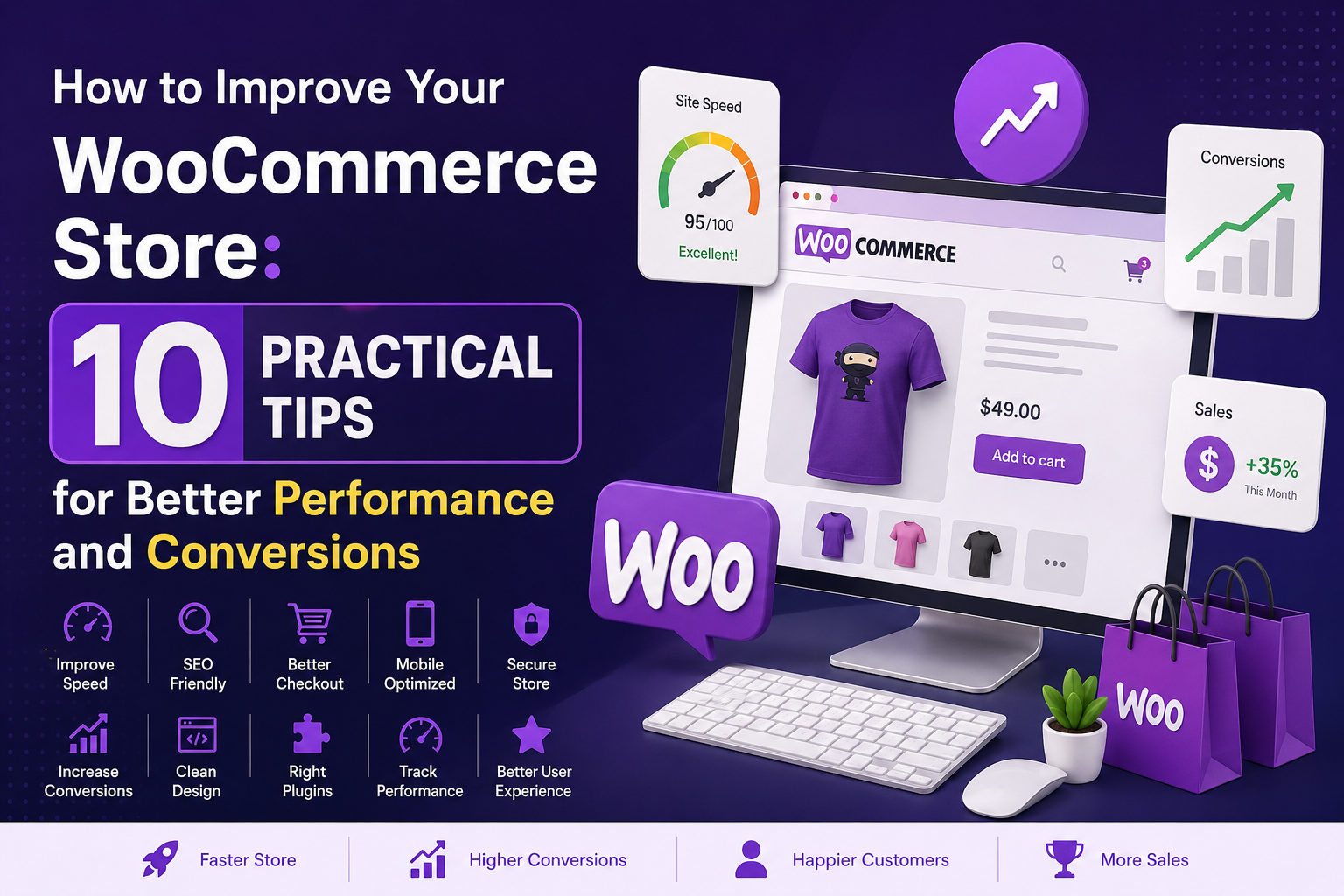
Running a WooCommerce store is more than simply adding products and accepting payments. A successful online store needs to be fast, easy to navigate, secure, search-engine friendly, and optimized for conversions.
Whether you are starting a new WooCommerce website or managing an established online store, small improvements can make a significant difference.
In this guide, we will look at 10 practical ways to improve your WooCommerce store, from website speed and product pages to SEO, checkout optimization, and the right WordPress plugins.
1. Improve Your WooCommerce Website Speed
Website speed is one of the most important factors for an online store.
Customers do not want to wait several seconds for a product page, cart, or checkout page to load. A slow website can increase bounce rates and reduce conversions.
To improve WooCommerce performance:
- Use quality WordPress hosting
- Optimize images before uploading them
- Use WebP or other modern image formats
- Enable browser and page caching
- Minify CSS and JavaScript where appropriate
- Remove unnecessary plugins
- Use a CDN
- Keep WordPress, WooCommerce, themes, and plugins updated
You should also regularly test your website using tools such as Google PageSpeed Insights.
A faster WooCommerce store provides a better experience for customers and gives your website a stronger technical foundation.
2. Optimize Your Product Pages
Your product page is where customers make their buying decision.
A good WooCommerce product page should clearly communicate:
- What the product is
- What problem it solves
- How much it costs
- Why customers should buy it
- What makes it different
- How to purchase it
Use high-quality product images and write clear product descriptions.
Instead of writing descriptions that only list features, explain the benefits of the product.
For example:
Fast shipping available.
is less persuasive than:
Get your order delivered quickly with reliable shipping options designed for a convenient shopping experience.
Small changes in product copy can make product pages more useful and persuasive.
3. Create a Better WooCommerce Checkout Experience
Checkout is one of the most important parts of an ecommerce website.
If your checkout process is complicated, customers may leave before completing their orders.
Try to:
- Reduce unnecessary checkout fields
- Provide popular payment methods
- Make error messages easy to understand
- Keep the checkout design simple
- Make checkout mobile-friendly
- Clearly display shipping costs
- Show the final order total before payment
A simple checkout experience can help reduce abandoned carts.
If your store requires a more customized checkout experience, custom WooCommerce development can also be used to create functionality specifically for your business.
4. Use WooCommerce Plugins Carefully
WordPress plugins can add powerful functionality to WooCommerce, but installing too many unnecessary plugins can create maintenance and performance problems.
Instead of installing multiple plugins for small features, choose tools that are well maintained and provide the functionality your store actually needs.
For example, WooCommerce stores may need features such as:
- Product countdown timers
- Booking systems
- Certificate verification
- SEO and schema optimization
- Custom checkout functionality
- Payment gateway integrations
- Custom product features
QueueCommerce provides purpose-built WordPress and WooCommerce plugins for different business requirements, including Offer Countdown Time, Quotel Hotel Booking, Academic Certificate Verification, and Answer Engine Optimization.
The goal should not be to install more plugins. The goal should be to build a clean and reliable WooCommerce stack.
5. Improve Your WooCommerce SEO
Search engine optimization can help your products reach customers who are already searching for what you sell.
Start with the basics:
- Use descriptive product titles
- Write unique product descriptions
- Optimize product images
- Use relevant keywords naturally
- Create useful category pages
- Optimize meta titles and descriptions
- Add internal links
- Use structured data
- Keep your URLs clean
Don’t write product descriptions only for search engines. Write them for humans first.
Google and other search engines increasingly understand the meaning and context of content, so useful and relevant information is more valuable than keyword stuffing.
6. Add Product Structured Data
Structured data helps search engines understand important information about your products.
Depending on your store, product structured data can communicate information such as:
- Product name
- Price
- Availability
- Rating
- Reviews
- Brand
Proper structured data can also improve how your products are understood across search and other discovery systems.
For WordPress websites looking to improve their SEO and AI visibility, QueueCommerce’s Answer Engine Optimization plugin provides automated JSON-LD schema support, AI FAQ generation, AEO scoring, and site auditing.
7. Create Urgency Without Annoying Customers
Urgency can be useful when you are running a genuine promotion.
For example, a limited-time sale can use a countdown timer to clearly communicate when the offer ends.
A good countdown should:
- Display the remaining time clearly
- Match the actual promotion period
- Work properly on mobile devices
- Automatically handle the sale expiration
- Avoid misleading customers
QueueCommerce’s Offer Countdown Time is designed specifically for WooCommerce product pages and supports live countdown timers, multiple templates, scheduled offers, and automatic sale-price cleanup when the timer expires.
The key is to use urgency honestly. Customers should never be given a fake deadline.
8. Make Your Store Mobile-Friendly
A large percentage of ecommerce browsing happens on smartphones.
Your WooCommerce website should therefore work properly on:
- Smartphones
- Tablets
- Laptops
- Desktop computers
Check important areas such as:
- Product images
- Product variations
- Add to Cart buttons
- Shopping cart
- Checkout forms
- Payment options
- Navigation menus
- Popups and promotional banners
Don’t only test the homepage.
Test the entire buying journey from product discovery to completed checkout.
9. Keep Your WordPress Website Secure
Security should always be a priority for ecommerce websites because WooCommerce stores process customer and order information.
Basic security practices include:
- Keep WordPress updated
- Keep WooCommerce updated
- Update plugins and themes
- Use strong administrator passwords
- Limit administrator access
- Use HTTPS
- Maintain regular backups
- Remove unused plugins and themes
- Use reliable hosting
You should also monitor your website for unexpected changes and suspicious activity.
A secure website protects both your business and your customers.
10. Measure Your Store Performance
You cannot effectively optimize a WooCommerce store if you don’t measure its performance.
Track important metrics such as:
- Website traffic
- Product views
- Add-to-cart rate
- Checkout starts
- Conversion rate
- Abandoned carts
- Average order value
- Revenue
- Top-performing products
Use these numbers to identify where customers are dropping out of the buying process.
For example, if many visitors view a product but very few add it to their cart, your product page may need improvement.
If many customers add products to their cart but don’t complete checkout, your checkout experience may be the problem.
WooCommerce Optimization Is an Ongoing Process
Improving a WooCommerce store isn’t something you do once and forget.
As your business grows, you may need to improve:
- Website performance
- Product pages
- SEO
- Checkout
- Payment methods
- Customer experience
- Security
- Analytics
- Custom functionality
The best WooCommerce websites continuously test and improve their user experience.
If a standard plugin cannot provide the functionality your business needs, custom development can be a better solution. QueueCommerce also provides custom WordPress/WooCommerce development, Laravel applications, and Next.js/headless commerce development for businesses that need more advanced solutions.
Final Thoughts
A successful WooCommerce store doesn’t necessarily need hundreds of plugins or complicated features.
Start with the fundamentals:
- Make your website fast.
- Create better product pages.
- Simplify checkout.
- Optimize your store for search engines.
- Use structured data.
- Make the website mobile-friendly.
- Use plugins strategically.
- Keep your store secure.
- Track important metrics.
- Continue improving based on real customer behavior.
When these areas work together, your WooCommerce website can provide a better shopping experience while creating a stronger foundation for long-term growth.
Looking for WordPress and WooCommerce tools or custom development? Explore the QueueCommerce plugin suite and engineering services to find solutions for your next project.